11 Nov 2026
If your phone and keys go missing together, deal with the phone first: lock it and block the SIM from another device within the hour, then sort out the keys. The phone is what a thief can use, and it is also what you would normally use to sort out everything else. This guide takes you through the first hour step by step, and then explains how to make sure a finder can still reach you next time, even when it is your phone that is missing.
Step 1: Lock or locate the phone from another device
Borrow a phone or use a computer and sign in to your account:
- iPhone: go to icloud.com/find and sign in with your Apple ID. You can see the phone on a map, play a sound and switch on Lost Mode, which locks it and shows a message on the screen.
- Android: go to google.com/android/find and sign in with your Google account. You can ring the phone, lock it and add a message with a number to call.
Use the lock-screen message. If an honest person has your phone, it tells them how to get it back to you.
Step 2: Call your network and block the SIM
Ring your mobile network from another phone and report it lost or stolen. Do it straight away: you are usually liable for calls made until you report it, and some networks cap that at £100 only if you report within 24 hours. The network can bar the SIM and the handset, send you a replacement SIM, and give you the phone's IMEI number, which the police will ask for if it was stolen.
Step 3: If it was stolen, report it
Report a theft to the police on 101 or through your local force's website, and keep the crime reference number. Your insurer will need it, and so will your bank if anyone tries to use your cards or apps.
Step 4: Protect your accounts
- Call your bank if banking apps were on the phone, or freeze cards in online banking from a computer.
- Change the password for your email first, because it is the key to resetting everything else.
- Sign the lost phone out of your accounts from their security settings.
Step 5: Now the keys
- Retrace your steps and ring the places you visited. Shops, pubs, gyms and stations all keep lost property for a while.
- Trains and buses: in London, use the TfL lost property service online; elsewhere, contact the train or bus operator you travelled with.
- Car keys: call your dealer or a locksmith about a replacement, and ask whether the old key can be removed from the car's system.
- House keys: if anything with your address was on the keyring, or the keys were stolen along with your phone and wallet, think seriously about changing the locks.
Next time: make sure the message reaches you even without your phone
Most lost keys are found by someone who would happily return them if they knew how. A HeyOwner QR tag on the keyring gives them a way: they scan it with their phone camera, a page opens without an app, and they send you a message. They never see your phone number or address.
The bit that matters when your phone is missing too:
- Every message also arrives by email, so you can read it and reply from a laptop, a tablet or a borrowed phone by signing in to your account.
- You can add contacts to a tag, such as a partner, a son or daughter or a flatmate. When the tag is scanned they get the finder's message too, and their number is never shown to the finder.
- Each tag has a note for finders of up to 200 characters, so you can tell them where to leave the keys.
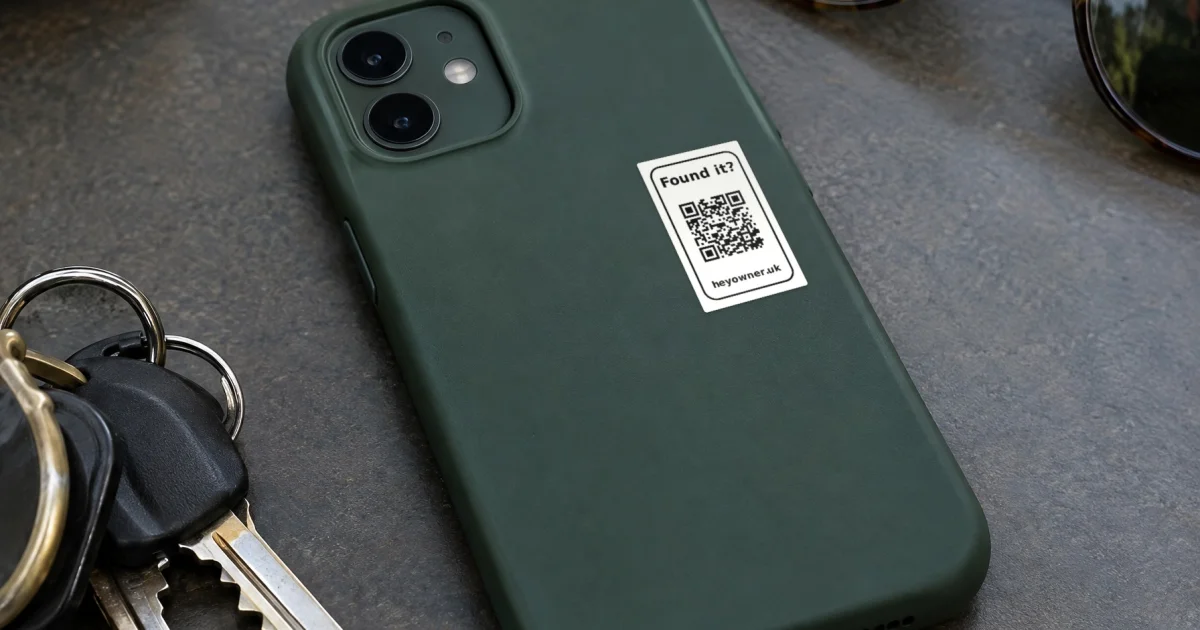
The same works for the phone itself: a small QR sticker on the back of the case gives an honest finder a way to reach you that does not depend on unlocking the phone.
Common questions
What should I do first if I lose my phone and keys?
Lock or locate the phone from another device and call your network to block the SIM. Then deal with the keys, starting with the places you have been.
Can someone else get the message if a finder scans my tag?
Yes. Add them under Contacts in your HeyOwner account and tick them on the tag. They confirm by email once, and from then on they hear about that tag too.
Should I put my address on my keyring?
No. Keys with an address on them tell a stranger which door they open. A QR tag lets a finder reach you without showing where you live.
See the key tags, from £5.99 with UK delivery included.