11 Nov 2026
For a lost-property tag, a QR code is the safer bet for most people, because almost any phone camera can read one and it is obvious what to do with it. NFC works too, but only if the finder's phone supports it, the right setting is on, and they know to tap the tag in the right spot. Both open the same kind of web page and neither needs a battery. The difference is what a stranger has to know and do in the few seconds they will give it.
How each one works
- QR tag: a printed or engraved square code. The finder points their phone camera at it, a link appears and they tap it.
- NFC tag: a tiny chip and aerial inside the tag. The finder holds their phone against it, and the phone shows a notification with a link.
In both cases the link opens a page where the finder can contact the owner. Nothing is stored on the tag except that link, so neither type carries your personal details.
What the finder needs for each
QR
- A phone with a camera. The built-in camera app on iPhones since 2017 and on most Android phones reads QR codes without an extra app.
- To see the code. It does not have to be pressed against the phone; it can be read from across a table.
- No setting to switch on.
NFC
- A phone with NFC. Most smartphones have it, but not all older or budget models.
- On iPhone, background tag reading works on the iPhone XS and newer. It also needs the phone to have been unlocked since it was switched on, the camera to be closed and Apple Pay not in use, and the finder has to tap the notification that appears.
- On Android, NFC has to be switched on in settings. Many people turn it off or never use it.
- To know where the phone's NFC reader is (near the top on an iPhone, usually the middle of the back on Android) and to hold it there for a moment.
Which is more likely to get your things back
The person who finds your keys or your dog is a stranger in a hurry. A QR code explains itself: people have been scanning them on menus, parcels and parking machines for years. An NFC tag looks like a plain tag, and many finders will not realise there is anything to tap. If they do try, a phone without NFC switched on simply does nothing, and most people give up there.
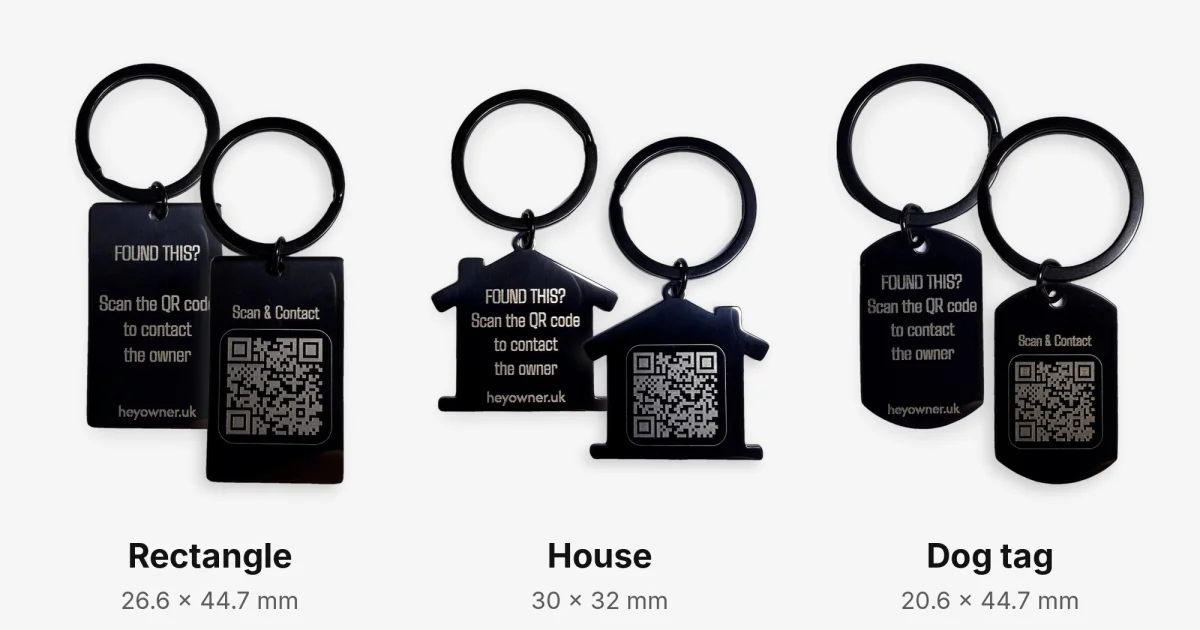
That is why we make HeyOwner tags with QR codes. A finder needs nothing but a phone camera and no app, and they can message you without ever seeing your number.
Where NFC does have the edge
To be fair to NFC, it has real advantages:
- No visible code. Good for something you want to look plain, like a smart bracelet or a business card.
- Works in the dark. A QR code needs enough light for the camera; an NFC tap does not.
- Scuffs do not matter. A chip keeps working even if the surface is scratched, while a badly damaged QR code can stop scanning. Engraving the code into metal, rather than printing it on paper, deals with most of that.
Some tags carry both. If you are choosing one, choose the one a stranger is most likely to use without instructions.
What to look for in any lost-property tag
- The finder does not see your number or address. They should be able to message you through the page.
- No app for the finder. Every extra step loses people.
- You can change your details without replacing the tag.
- No subscription to keep the tag working. A tag that stops working when a payment fails is no use on the one day you need it.
- A durable code. Laser-engraved metal lasts far longer than a printed paper label.
Common questions
Do NFC tags work with iPhones?
Yes, on the iPhone XS and newer, as long as the phone has been unlocked since it was turned on and the camera is not open. The person tapping still has to tap the notification that appears.
Can any phone scan a QR code?
Almost any smartphone with a camera. iPhones have read QR codes in the built-in camera since 2017, and most Android phones do the same in their camera app or through Google Lens.
Do QR or NFC tags need a battery?
No. Neither has a battery; the finder's phone does all the work. That also means neither can track where the item is. For that you need a Bluetooth tracker, which is a different job.
See HeyOwner QR tags, from £5.99 with UK delivery included.